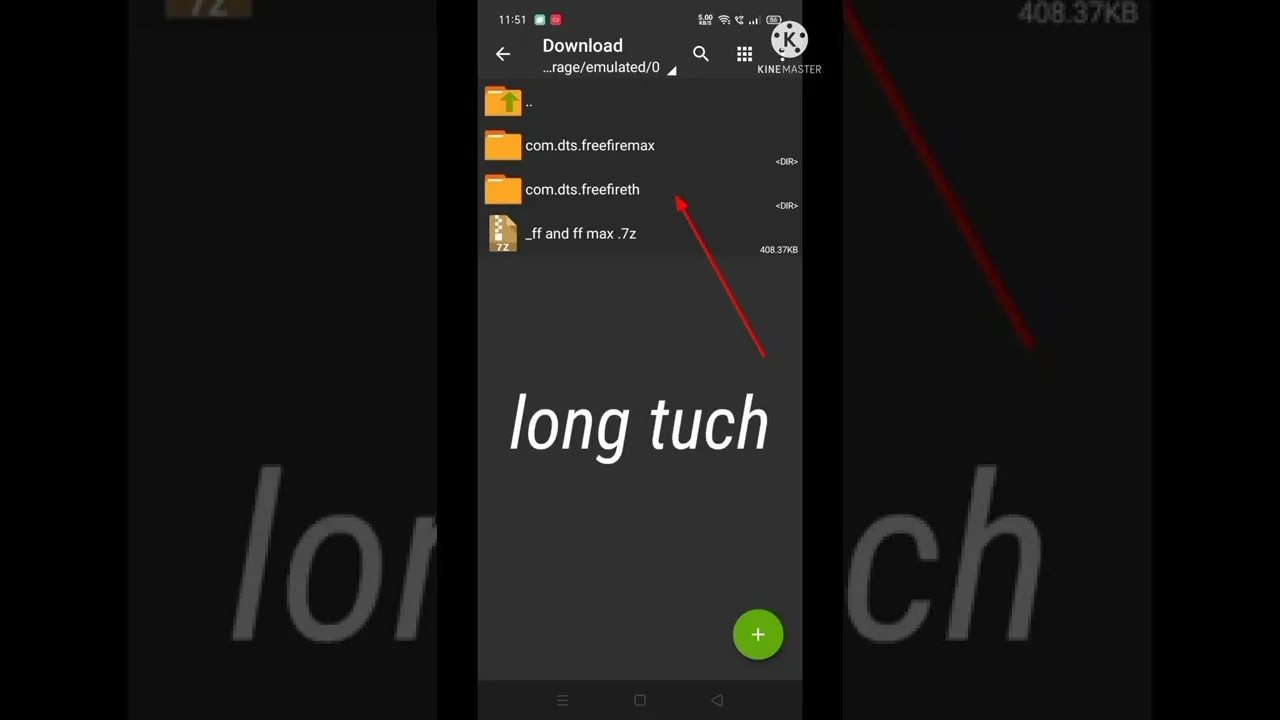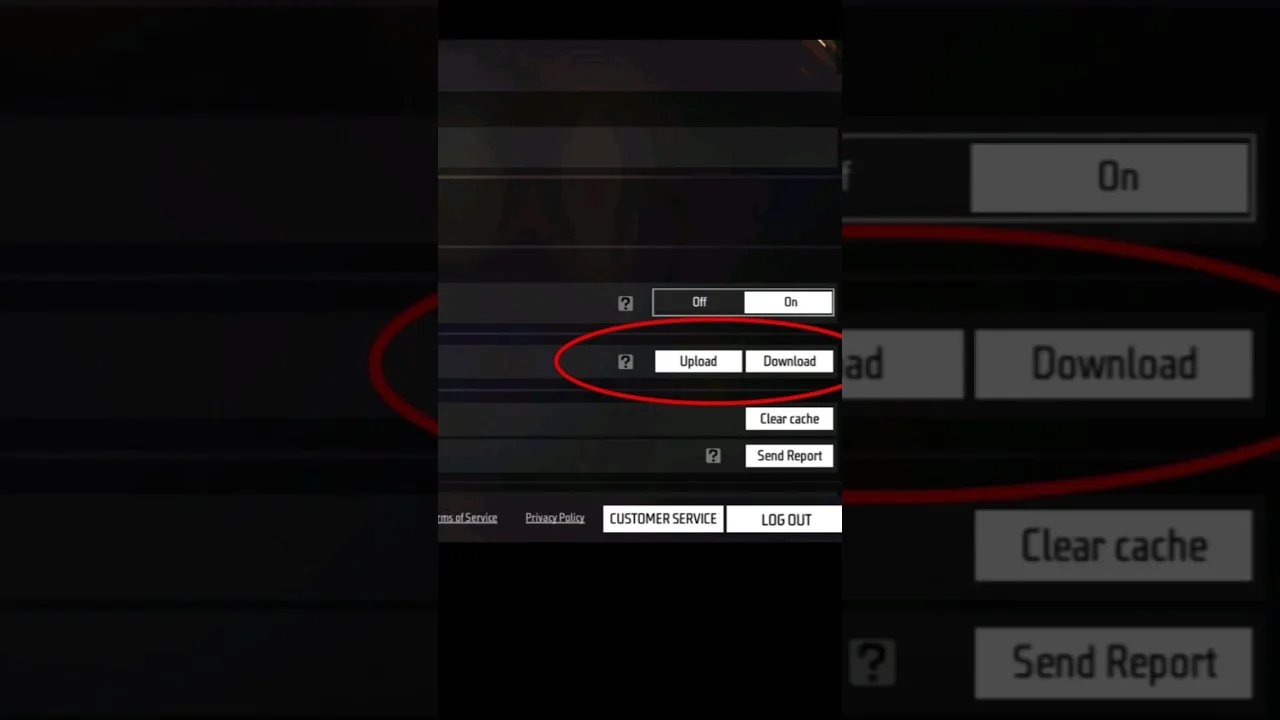
A headshot config is a group of sensitivity, DPI, and control settings arranged to make drag aiming land on head height more consistently. In Free Fire, the familiar drag technique lifts the crosshair from body level to head level in one timed swipe, and Config FF helps you organise the values behind that motion.
No config can aim for you. What the right values do is make your swipe distance predictable, so practice actually sticks. When the same drag produces the same crosshair movement every time, your timing improves naturally over days of play.
To review the values behind your current setup, you can get the Config FF APK file for Android phones from this site and compare each section with the tips below. Change one element at a time, then test before touching the next one.
Balance General Sensitivity for the Drag
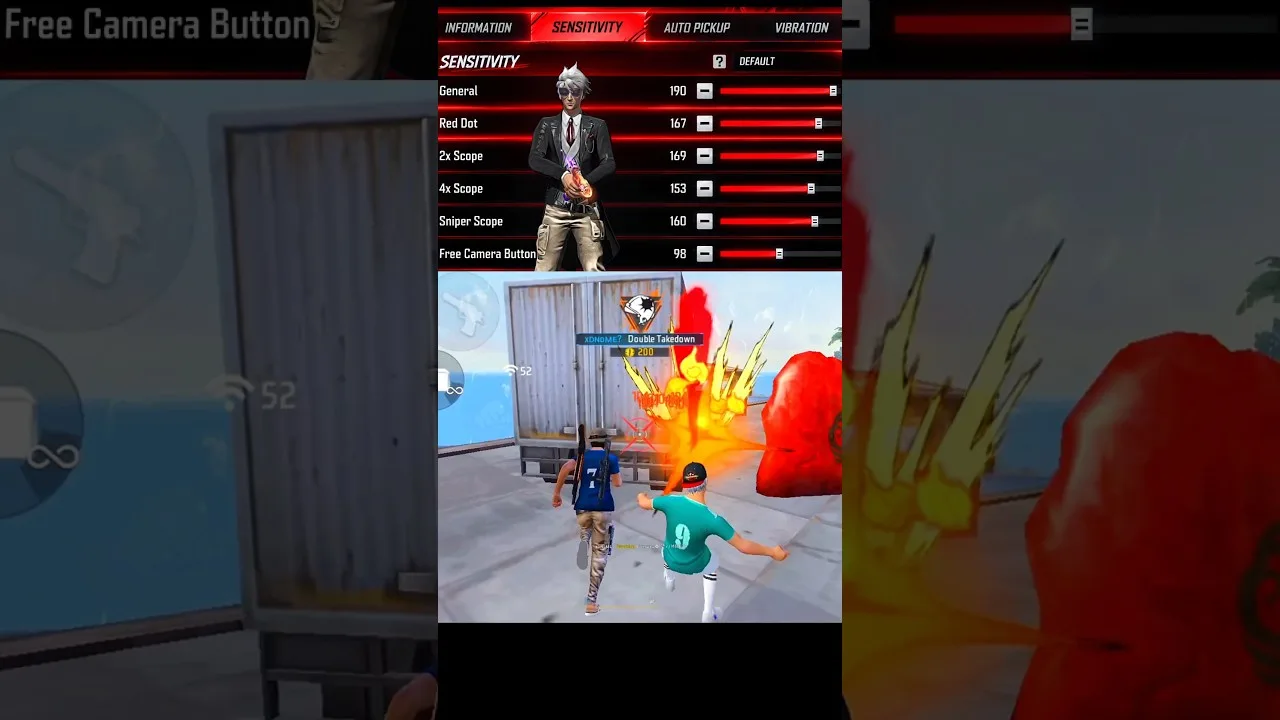
The drag headshot depends mostly on general and red dot sensitivity. If those values are too high, the crosshair flies above the head and your shot passes over the target. If they are too low, the drag stops at chest level and the technique never completes.
Tune by firing repeated drags at a standing practice target. You want most drags to finish near head height with a similar swipe. Adjust in small steps until your natural swipe and the crosshair height agree, then stop changing and start practising seriously.
Pair DPI With Your Sensitivity
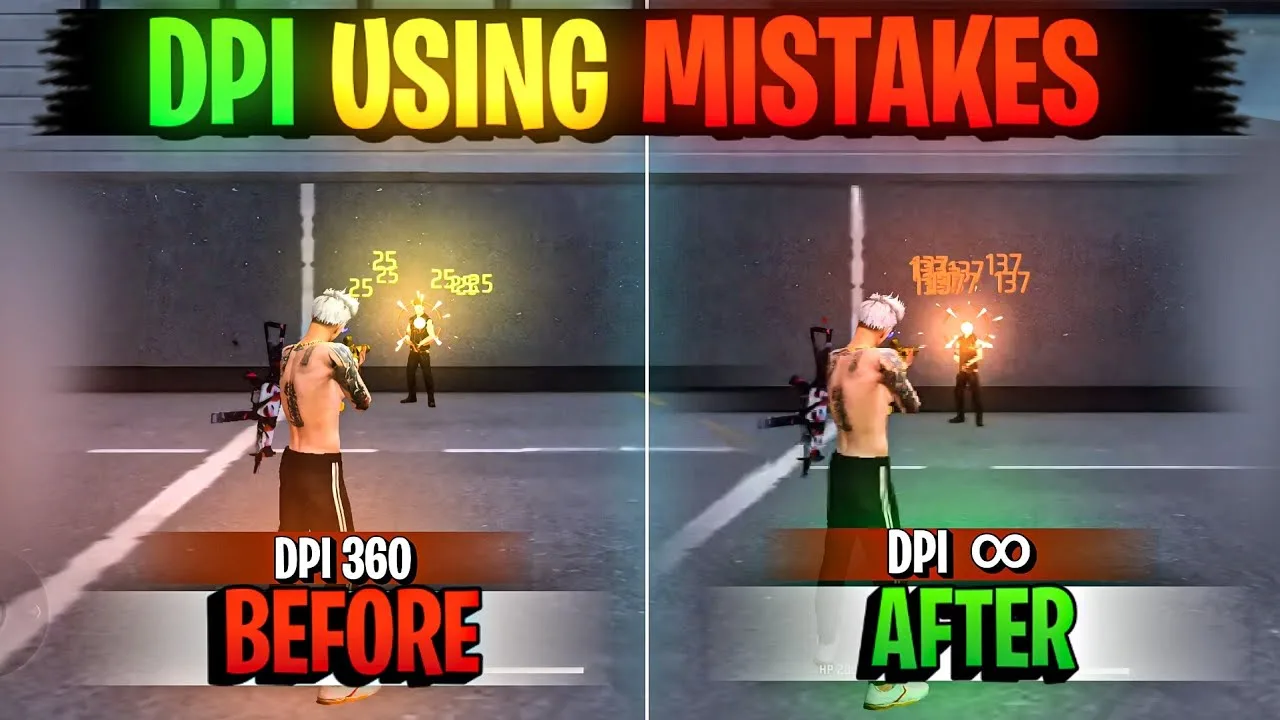
DPI changes how much crosshair movement each millimetre of swipe creates, so it directly changes drag distance. A DPI figure that suits long drags on a large phone may feel twitchy on a compact phone. Treat DPI and sensitivity as one combined decision, never two separate ones.
When you adjust DPI, expect to retest your drag from the beginning. The Config FF sensitivity settings explained guide shows how each slider contributes, so you can correct the specific value a DPI change has disturbed instead of rebuilding everything.
Place the Fire Button for a Clean Swipe
Button placement is part of headshot consistency, even though it is not a number in a config file. Your fire button should sit where your thumb can press and drag upward in one motion without stretching or colliding with other controls. Awkward placement breaks drags before sensitivity even matters.
Experiment with button size as well. A slightly larger fire button gives your thumb a forgiving target during fast fights, while a smaller one suits players with a precise, claw style grip. Test each layout in practice until pressing and dragging feels like a single relaxed action.
Build an Honest Practice Routine
Configs respond to practice, not hope. A short daily routine of drag drills builds the timing that makes any good config work: standing targets first, then moving targets, then short bursts at different distances. Ten focused minutes teach your thumb more than an hour of distracted matches.
The training ground routine in how to test a config in Free Fire training mode gives that practice a structure, with checks you can repeat whenever you change a value. Returning to the same drills keeps your comparisons fair across different setups.
Common Reasons Headshot Configs Feel Wrong
Most disappointment comes from copying values built for a different screen size or a different DPI. The numbers arrive without the context that made them work, and the drag distance lands wrong from the first swipe. Borrow ideas from shared configs, but always retune to your own device.
Another common cause is changing values too often. If you rebuild your setup every day, your hands never learn any version of it. Settle on reasonable values, keep them for at least a week of regular play, and judge the trend across many matches rather than one session.
Crosshair placement between fights deserves as much attention as the drag itself. If your crosshair travels at waist height while you move, every drag has further to go and timing gets harder. Carrying the crosshair near head height as you round corners shortens the drag to a small, repeatable lift. Configs support the motion, but placement decides how much motion each fight actually demands from you.
Adjusting for Weapon and Range Differences
Different weapons ask slightly different things of a headshot setup. Fast firing close range weapons reward a drag that completes quickly at short distance, while longer range weapons reward a calmer drag with a cleaner stop. If you main one weapon family, tune your drag drills around it first and let other weapons borrow the result.
Range changes the picture too. A drag tuned at very close range can feel too strong at mid range, where targets are smaller on screen and extra lift carries the crosshair over the head. Practise the same drag at two or three distances and aim for values that behave acceptably at all of them, rather than perfectly at one and poorly at the rest.
Patience is the multiplier on all of these tips. Drag timing is a physical skill, and physical skills improve in visible steps separated by flat stretches that feel like no progress at all. Players who keep their config stable through those flat stretches are the ones who suddenly look transformed a month later. Trust the routine, keep the values steady, and let repetition do the slow work it is famous for.
Final Thoughts
Headshot consistency comes from predictable drag distance, sensible DPI pairing, comfortable button placement, and daily practice. Config FF organises the values, but your routine makes them work. Tune carefully, practise honestly, and let consistency build over time instead of chasing a perfect file.