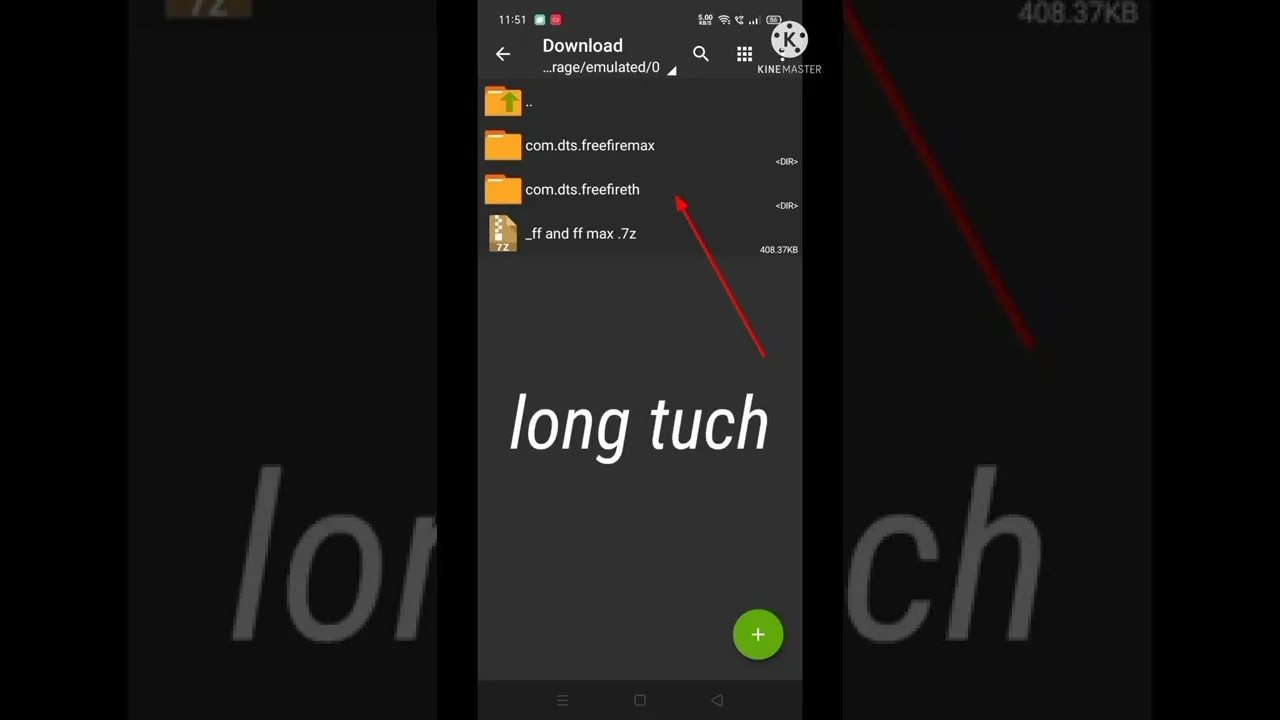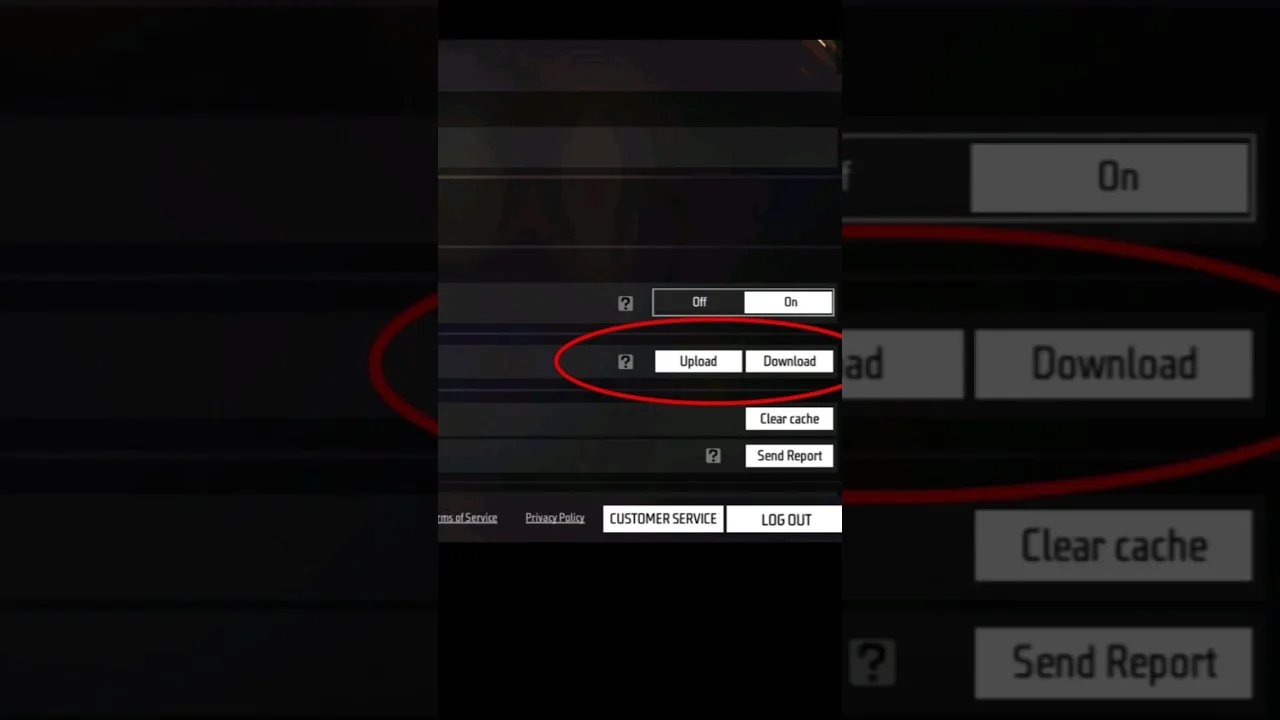
A config file is a small settings file that stores a ready made group of Free Fire preferences, such as sensitivity values, DPI figures, control choices, and graphics balance, so they can be applied together instead of being typed in one by one. In Config FF, a config works like a saved recipe for how the game should feel on your phone.
Many players hear the word config and imagine something complicated or hidden. In practice, it is much simpler than that. The file only carries values for options the game already offers, grouped in a way that another player or a setup guide has tested and saved for reuse.
If you want to see how those saved values are organised inside the app, you can download Config FF APK for Android and browse the sections at your own pace before changing anything on your own device. Looking first and applying later is always the calmer order.
The Main Values a Config File Carries
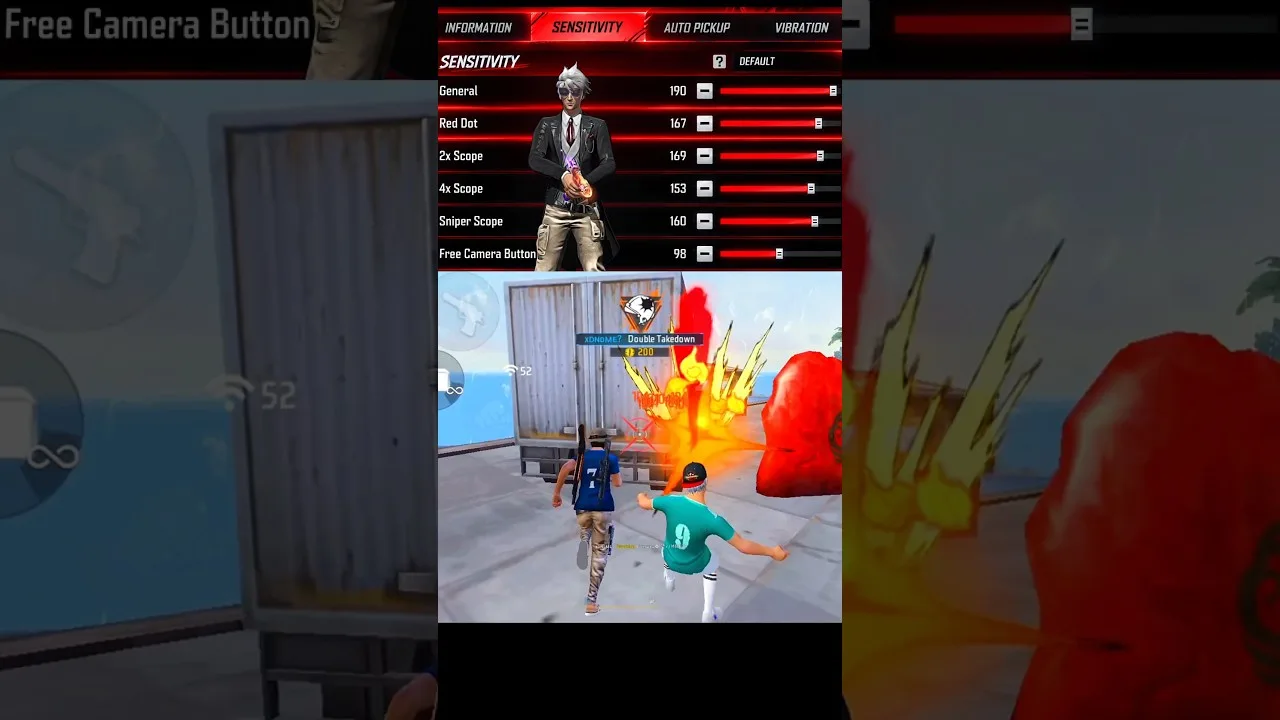
The biggest part of most config files is sensitivity. General sensitivity, red dot, scope sensitivities, and free look values decide how fast your view moves when you drag on the screen. These numbers shape aiming more than almost anything else, which is why configs are usually built around them first.
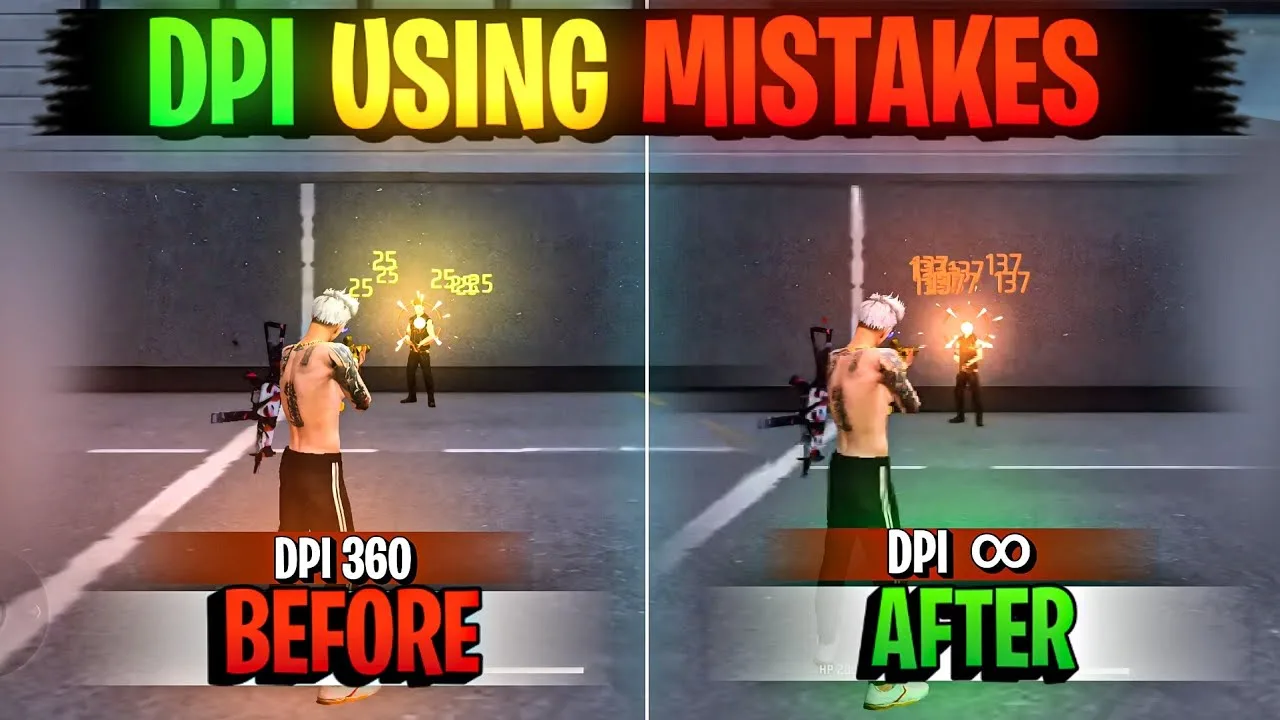
Alongside sensitivity, many configs include a suggested DPI figure and control layout notes. DPI changes how much movement your touch produces, while layout choices cover button size and position. A config may also suggest graphics settings that balance smooth frames with clear visibility on your phone.
What a Config File Does Not Change
A config file does not change the game itself. It does not add new weapons, maps, characters, or features, and it does not change how other players see the match. It only adjusts the same preference values you could set yourself from the in game settings screens.
It also does not change your account progress, your stored items, or your match history. Those live on the game side, not inside a settings file. Knowing this boundary helps you judge any config calmly, because the file is about comfort and control feel, not about altering the game world.
Why Players Share Configs at All
Players share configs because finding comfortable sensitivity values by trial and error can take many hours. A shared config gives a tested starting point, especially for a new phone or a new screen size, and you can then adjust the numbers in small steps until they feel personal.
Sharing also helps players compare setups honestly. When two players use the same base values, differences in results point more clearly to practice and positioning. If you want ideas for building a routine around a shared setup, the best ways to use Config FF on Android covers practical habits that make any config more useful.
How Config FF Presents These Files
Inside the app, config related values are grouped into clear sections so you can review one category at a time. That layout matters, because it lets you see the sensitivity group separately from DPI or graphics suggestions instead of facing one long undifferentiated list of numbers.
Reading a config before applying it is a habit worth building. The Config FF features guide explains what each area of the app is for, so you can match every value in a file to the setting it will influence on your phone.
How to Judge Whether a Config Suits You
A config suits you when aiming feels steady at the ranges you fight at most. If your crosshair keeps flying past targets, the values are probably too fast for your thumb and screen. If turning feels heavy and slow, they may be too low. Small, patient adjustments beat copying numbers blindly.
Judge over several matches, not one good or bad game. Warm up in training, play a few regular rounds, and note how tracking, flick shots, and close range turns each feel. A config is a starting point for that testing process, never a finished answer on its own.
One more distinction helps here: the values in a config are starting points shaped by someone else testing, not guarantees about your results. Two players can apply the identical file and feel it differently because their screens, grips, and habits differ. That is not the file failing. It is the normal gap between a shared recipe and a personal setup, and it is exactly why review and small adjustments belong in the process from the very beginning.
Where Config Files Usually Come From
Most config files reach players through setup guides, community posts, and videos where a player shares the values that work on their own phone. Some are built for a specific device class, such as small screens or high refresh displays, and the better ones say so clearly. That context is part of the config, and losing it is how reasonable values end up feeling wrong on the wrong hardware.
Other configs are personal creations that spread because friends asked for them. Either way, the origin matters less than the fit. Ask what device the values were tuned on, what DPI they assume, and what play style they serve. With those three answers, you can judge a new file in minutes instead of discovering its assumptions through a week of confusing matches.
Finally, remember that a config file is only as useful as the testing that follows it. Reading values, applying them, and then playing without any structured check leaves the most important question unanswered: does this bundle suit you. A short training session and a few honest matches complete the picture, and they turn a mysterious shared file into a known quantity you can keep, adjust, or discard with confidence.
Final Thoughts
A Config FF file is simply a saved bundle of ordinary settings, mostly sensitivity, DPI, controls, and graphics balance. It changes how the game feels in your hands, not the game itself. Review the values, apply them calmly, test them properly, and adjust in small steps until the setup feels like yours.