Backing up your Config FF settings means keeping a clear record of the sensitivity values, DPI figure, and control choices that feel right on your phone, so you can restore them exactly after an update, a config experiment, or a phone change. It takes minutes and saves hours.
Many players only discover the value of a backup after losing a setup they spent weeks tuning. Rebuilding from memory rarely lands on the same numbers, and the small differences are exactly the ones your hands notice most during close fights.
If you are setting up fresh, start from the Config FF latest APK for Android page on this site, tune until the game feels comfortable, and then make your first backup immediately. A backup made at a known good moment is the one you will trust later.
What a Complete Backup Should Include
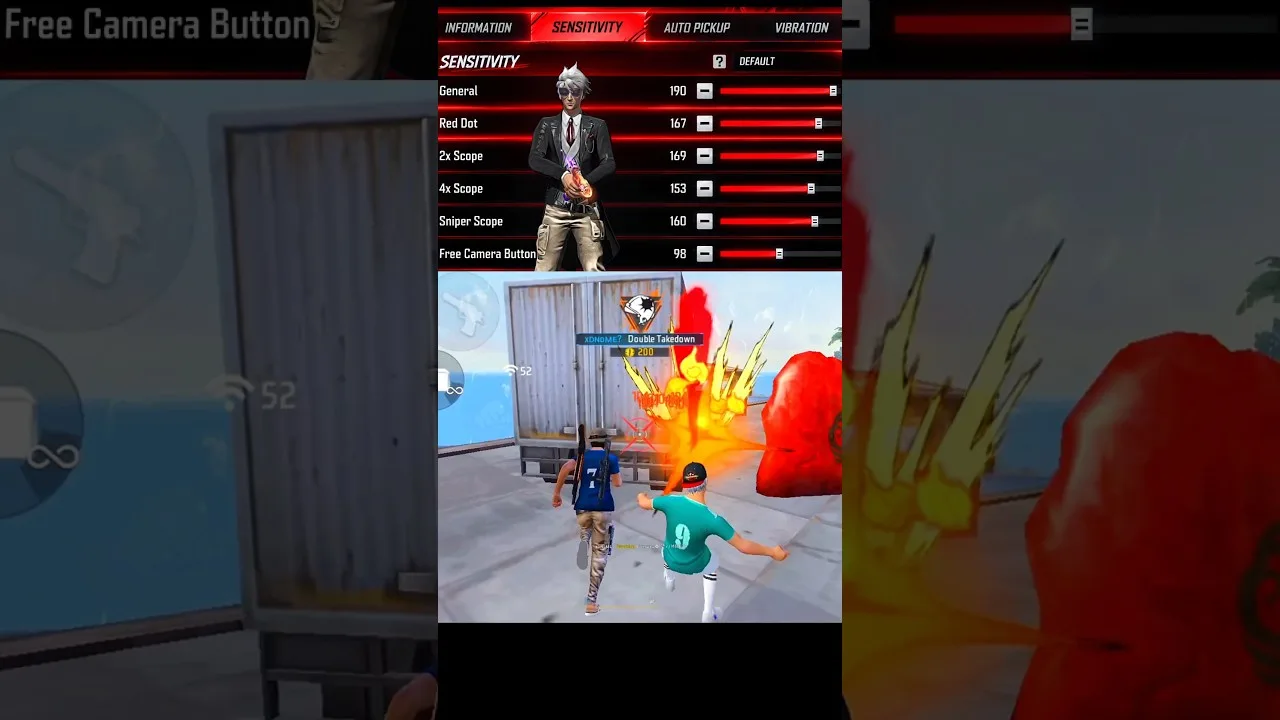
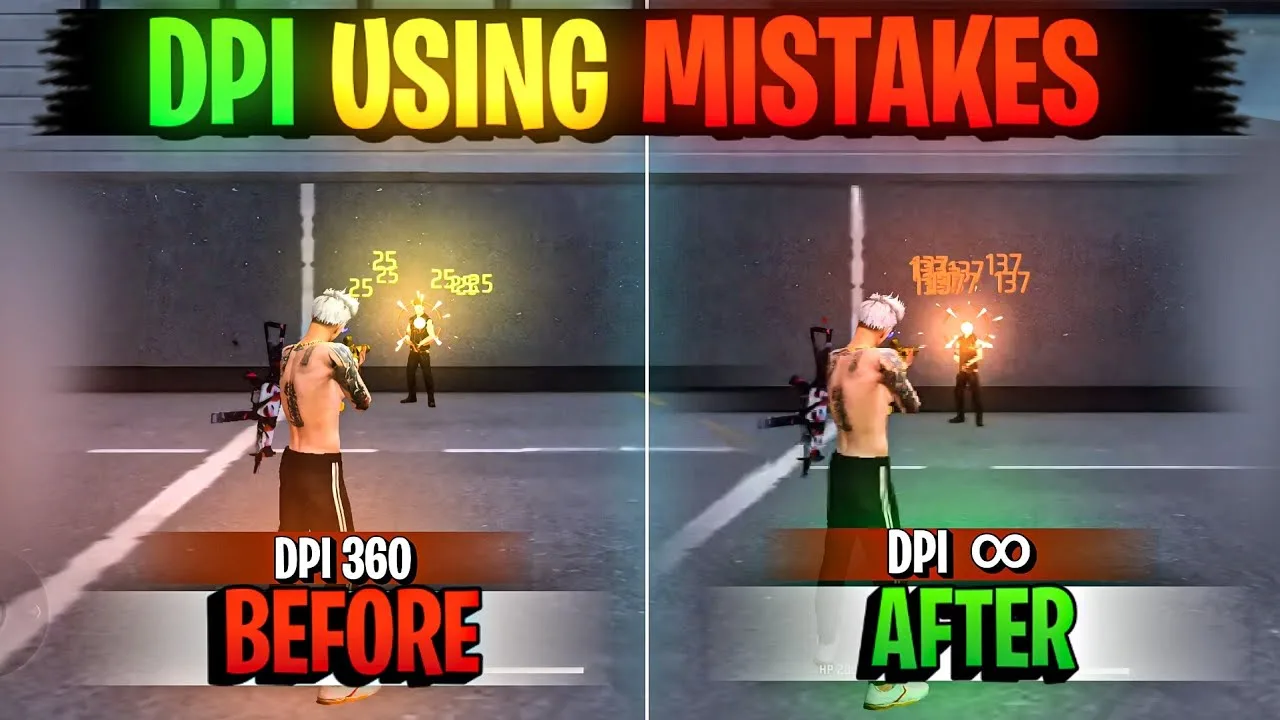
A useful backup covers four groups: general and scoped sensitivity values, your phone DPI figure, your control layout including button sizes and positions, and your graphics choices. Missing any one group leaves a gap you will have to guess at restore time.
Screenshots are the fastest capture method. Take one clear screenshot per settings screen, plus one of your control layout, and store them together in a single album or folder named with the setup it belongs to. Add a short text note with the DPI figure, since that one lives outside the game screens.
Where to Keep the Backup
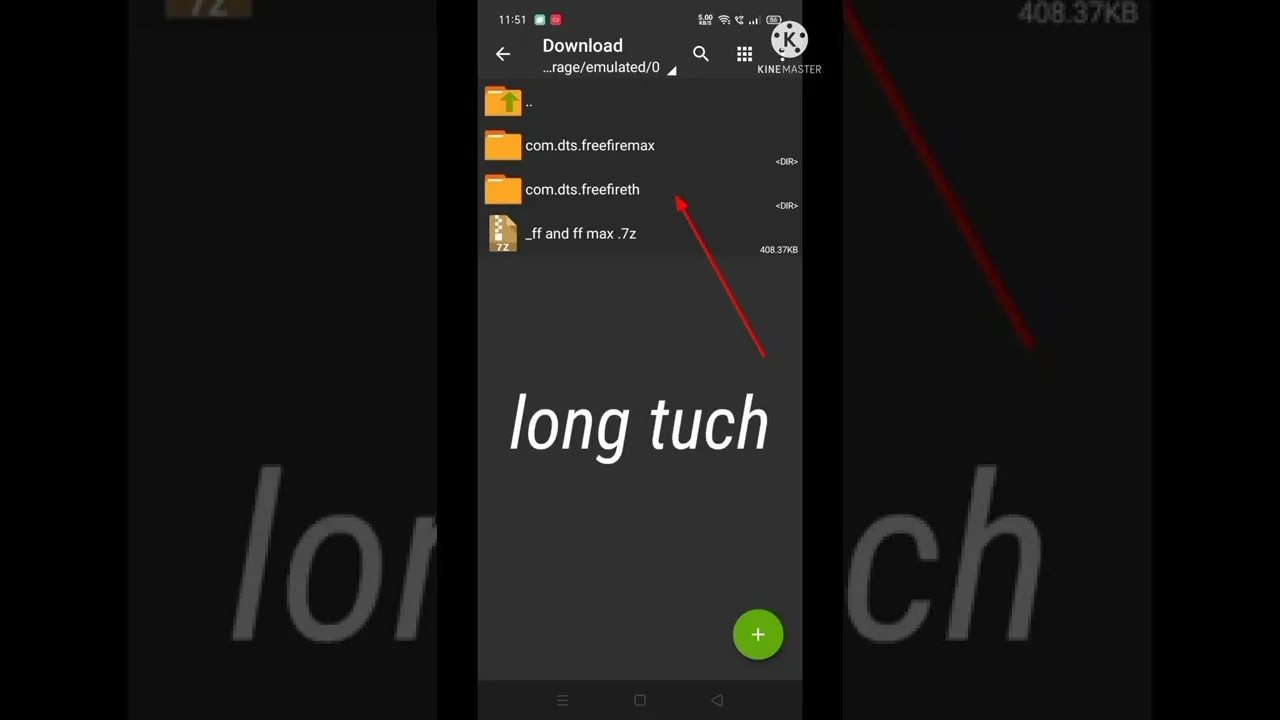
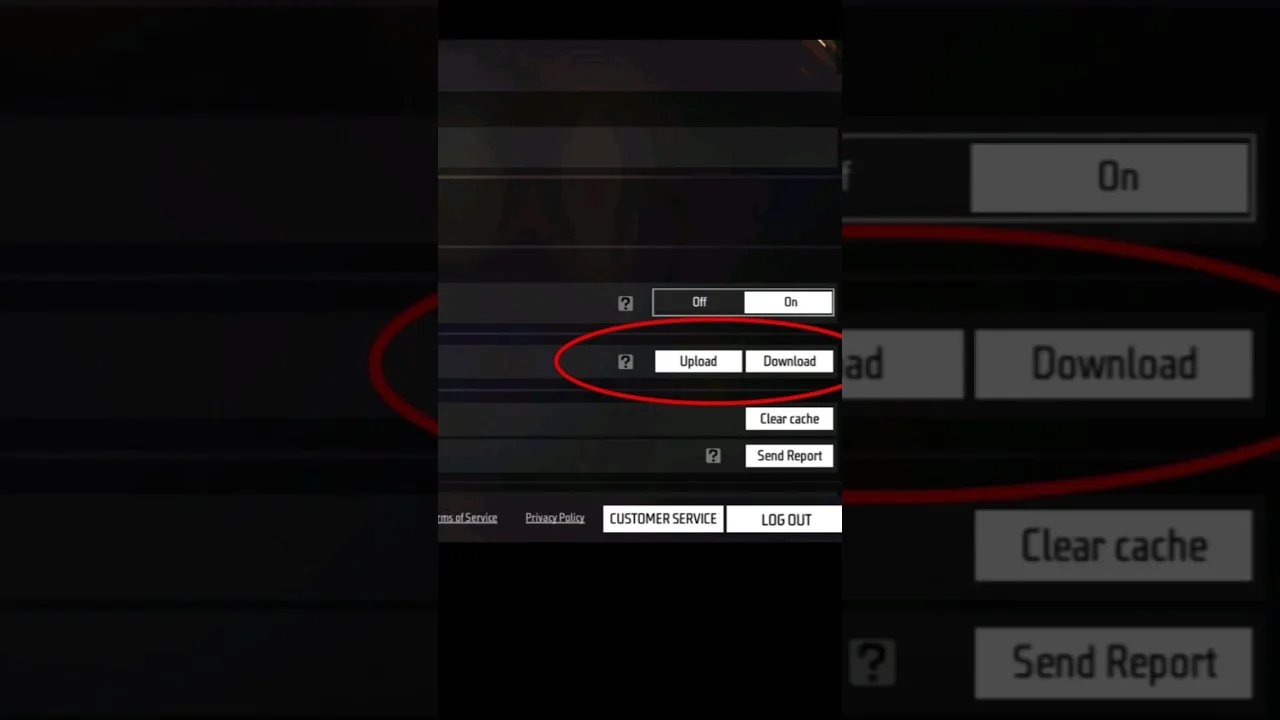
Keep the backup somewhere that survives a phone reset or a lost device. A cloud folder, an email to yourself, or a copy on a computer all work. A backup that only exists on the same phone it protects is weaker than it looks, because the events you fear most take the phone with them.
Name each backup clearly, for example by the style it suits, such as close range play or balanced all round play. When you keep more than one setup, clear names stop you restoring the wrong one in a hurry before a match.
How to Restore Step by Step
To restore, open your saved screenshots and re-enter each group in the same order you recorded it: sensitivity first, then DPI, then controls, then graphics. Check each screen against its screenshot before moving on, because one skipped value can make the whole setup feel subtly wrong.
Once everything is entered, the routine in how to apply a config in Config FF step by step is a good checklist for the final pass, since restoring is really just applying a config that you happen to have written yourself.
When Restoring Matters Most
Restoring matters after app updates, after trying a shared config that did not suit you, and when moving to a new phone. In each case the backup turns a long retuning session into a short data entry task, and your hands get their familiar feel back the same day.
If the app itself misbehaves during any of this, work through the Config FF not working fixes before assuming your backup is at fault. Most restore problems are really install or permission problems wearing a disguise.
Keeping Backups Current
Refresh your backup whenever you settle on a change you like. If you tune a scope value and keep it for a week, update the record, because an old backup restores an old feel. Treat the backup as a living document that follows your preferences, not a one time chore.
It also helps to keep one older backup as a fallback. Preferences drift, and occasionally you will miss an earlier setup. Two dated records, current and previous, cover nearly every situation without turning backup keeping into a filing project.
One detail many backups miss is the surrounding context: which phone the setup belongs to, which DPI it assumes, and which play style it was tuned for. A single line of context at the top of your note prevents real confusion later, especially if you keep setups for two devices or share a backup with a friend whose hardware differs from yours in ways that matter.
Testing After a Restore
A restore deserves the same short test as a fresh config. Run a few minutes of movement, tracking, and drag drills in training and confirm the game feels the way your memory expects. Small mismatches usually mean one value was entered wrongly, and the drill results point at which screen to recheck against your screenshots.
If everything matches and the feel is right, stop there. Resist improving the setup during the same session, because mixing restoration with fresh tuning muddies both jobs. Restore first, play normally for a while, and tune later as its own separate task with its own fresh backup made at the start.
Consider also sharing the habit, carefully, with teammates who rely on your advice. A friend who borrows your values without a backup of their own setup has no way back if your numbers do not suit their phone, and that failed experiment can sour them on sensible testing altogether. Teaching the backup step first turns borrowing into a safe trial for them too, and it makes your recommendations genuinely helpful rather than risky.
Final Thoughts
A Config FF backup is just organised screenshots and notes, but it protects the tuning work you have already done. Record all four setting groups, store the copy away from the phone, refresh it when your setup settles, and restoring will always be a calm, quick job.