Applying a config in Config FF means reviewing a saved group of settings, entering or selecting its values inside the app, and then testing how those values feel in the game. The steps are simple, but doing them in the right order protects your current setup and makes the result easy to judge.
Most problems players blame on a bad config actually come from a rushed application. Values get changed together, the old setup is lost, and nobody can tell which number helped or hurt. A calm, written process fixes all three problems at once.
You can follow along with the sections using the Config FF Free Fire settings app from this site, and if you still need the file itself, the Config FF download page is the place to get it before you begin. Preparation first, changes second.
Step One Review the Config Before Touching Anything
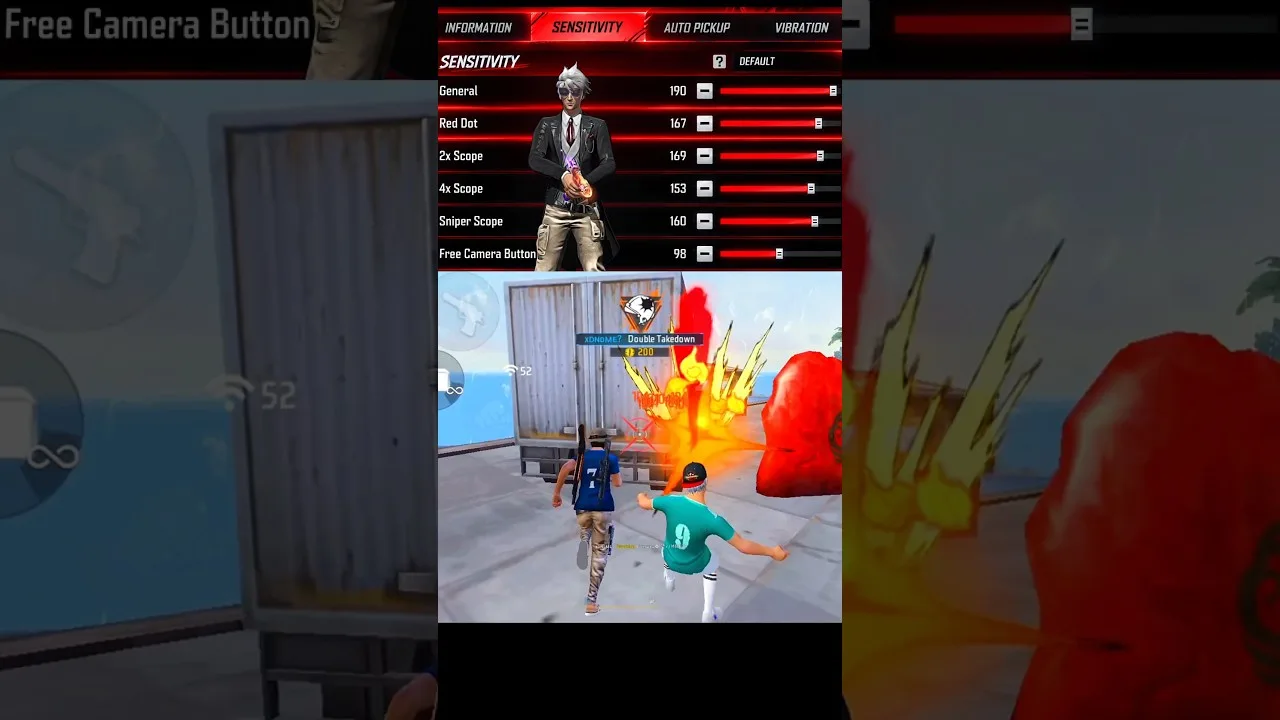
Read the whole config first. Note its sensitivity group, its DPI suggestion, and any control or graphics notes, and check whether it was made for a phone similar to yours. A config built for a large, high refresh phone may need softening on a smaller or older device.
Compare the values with your current setup side by side. Large jumps in any single number deserve extra caution, because they change feel dramatically. If one value looks extreme, consider meeting it halfway and testing, rather than copying it exactly on the first attempt.
Step Two Note Your Current Settings
Write down every value you are about to change, including your current sensitivity set and your phone DPI. Screenshots work well for this. That record is your way back if the new config feels wrong, and it turns a risky change into a safe experiment.
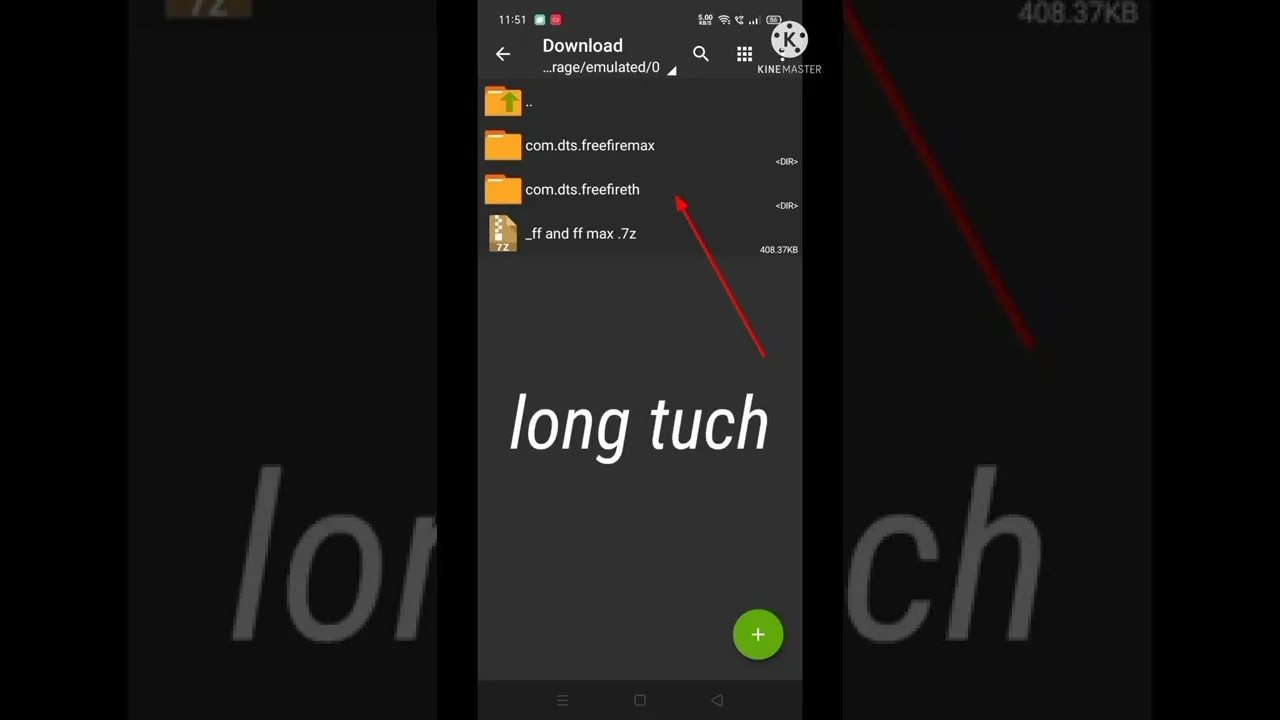
If this is your first time using the app, the walkthrough in how to install Config FF on Android covers the setup basics, so you can be sure the app itself is ready before you start applying values inside it.
Step Three Apply One Section at a Time
Enter the new values section by section, starting with sensitivity. Finish one group, check it once against the config, and only then move to the next group. Working in sections keeps mistakes visible, because a mistyped number stands out while its neighbours are still familiar.
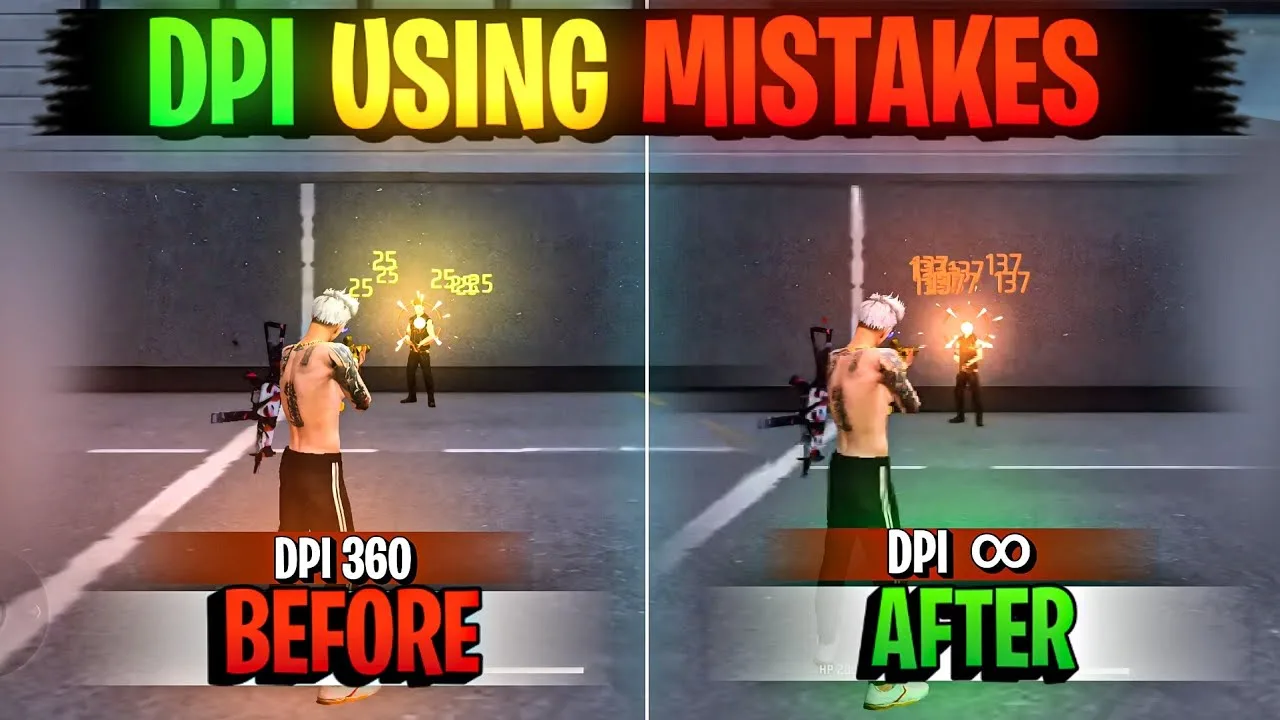
After sensitivity, handle DPI if the config suggests a change, and remember that a system level change affects the whole phone. Finish with any control layout or graphics notes, then restart the game so every change loads cleanly into a fresh session.
Step Four Test in Training Before Matches
Open training mode and run through movement, turns, tracking, and your usual drag drills. Ask simple questions: does aim stop where you expect, does turning feel natural, and can you repeat the same motion with the same result. Note anything that feels off and name the section it belongs to.
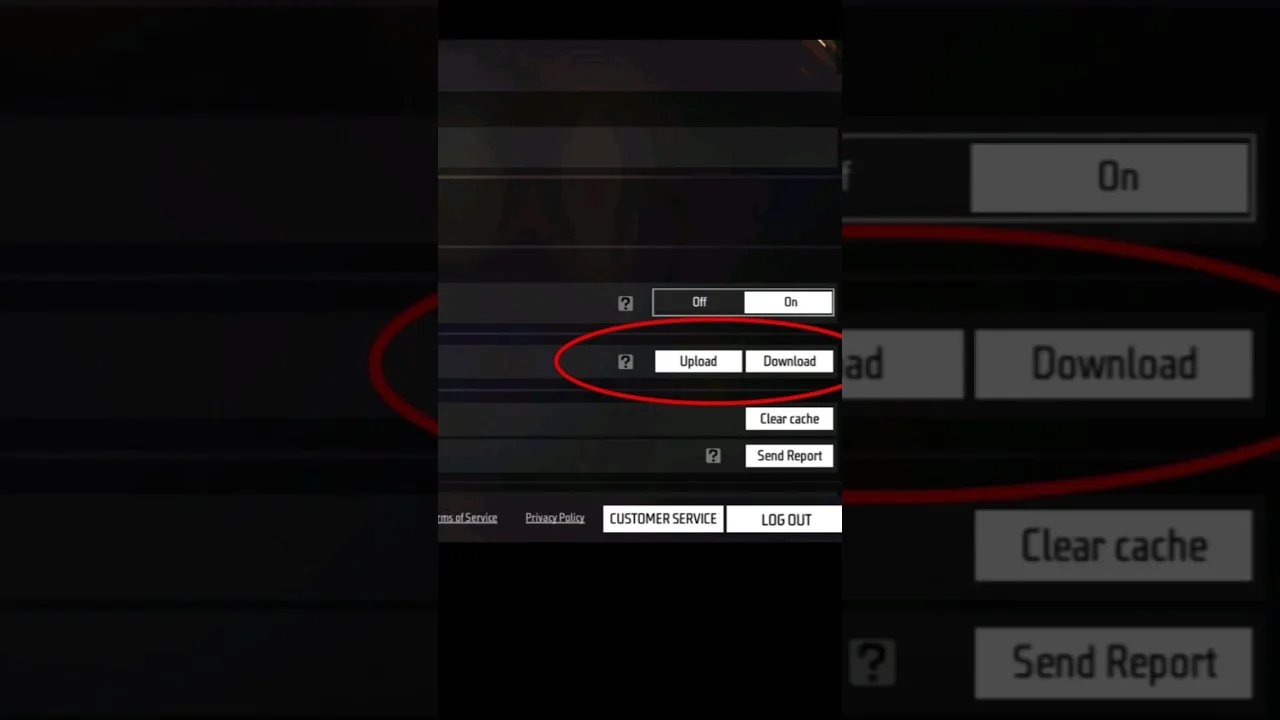
This testing habit pairs well with keeping a safe copy of your old values. The guide on how to backup and restore Config FF settings shows a simple record keeping method, so reverting after a failed test takes minutes instead of an evening of guessing.
Step Five Adjust in Small Steps
Few shared configs fit perfectly on first contact, because hands and hardware differ. Adjust the one value tied to the problem you noticed, by a small amount, and retest. Resist rebuilding the whole config after one bad drill, since the base may be sound with a single correction.
Keep the config for at least a few days of normal play once it feels close. Real matches reveal things training cannot, such as how the setup behaves under pressure at odd angles. Judge the trend across those matches before deciding the experiment failed or succeeded.
Keep the applied config and your notes together afterwards. Save the original values you reviewed, the small corrections you made during testing, and a line about how the setup felt after a few days. That bundle is your real, personal version of the config, and it is far more valuable than the shared file you started from, because every number in it has survived contact with your own device.
What to Do in the First Real Matches
Take a newly applied config into ordinary matches before any high stakes session. Ordinary matches reveal practical things training cannot: how the setup feels when an opponent appears at an unexpected angle, how your turns behave under time pressure, and whether your drag distance holds when you are moving and firing together rather than standing still.
Expect the first match or two to feel slightly unfamiliar even when the config is good. Familiarity is part of performance, and it rebuilds quickly. Judge the config on the trend from the third match onward, and compare that trend against your testing notes rather than against your single best memory of the old setup.
If you apply configs regularly, turn these steps into a personal checklist saved with your settings notes. A written checklist removes reliance on memory, which matters on the day you are tired, rushed, or working on an unfamiliar phone. Professional habits look boring from the outside, but they are exactly why some players always know their setup state while others are perpetually guessing what changed and when.
Final Thoughts
Applying a config well is a process: review it, record your current values, apply section by section, test in training, and adjust gently. Follow that order and every config becomes a safe, reversible experiment that teaches you something about your own preferences, even when you decide not to keep it.