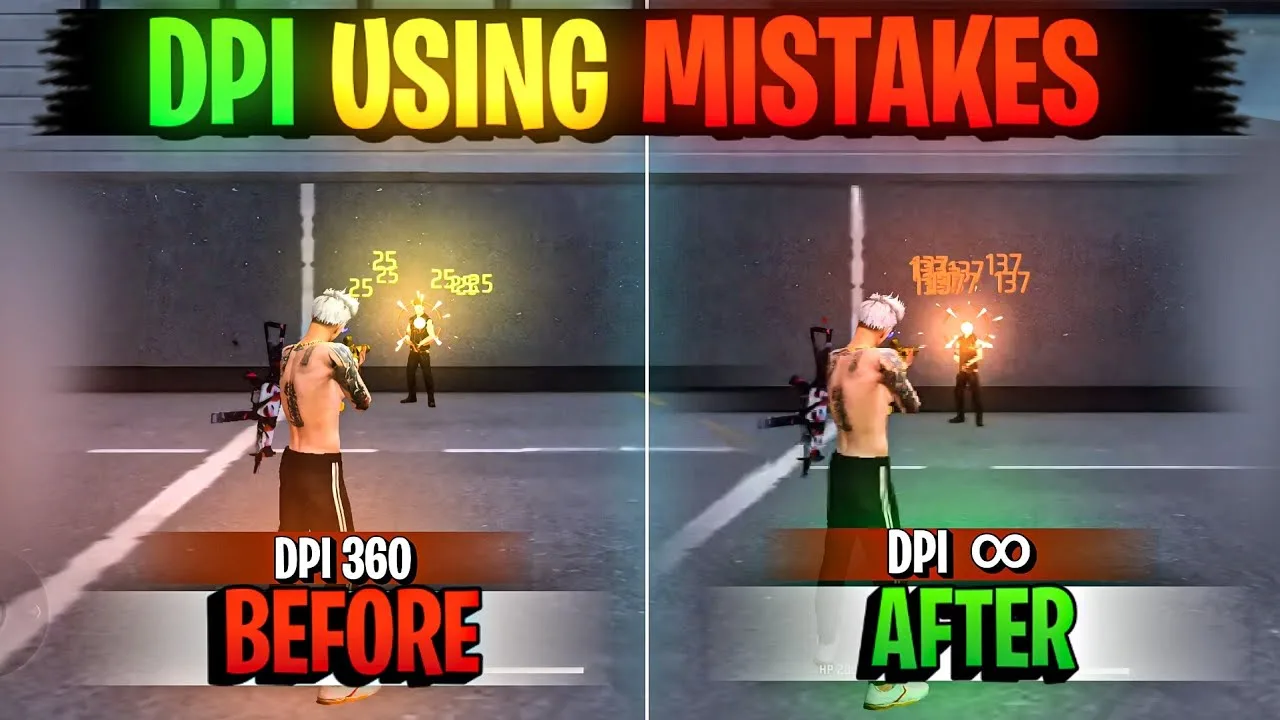
DPI, short for dots per inch, describes how sensitive your screen is to touch movement. In Free Fire terms, a higher DPI makes the same thumb swipe move your aim further, while a lower DPI makes that swipe move less. Config FF users meet DPI alongside sensitivity, and the two settings work as a pair.
Because DPI lives at the Android system level on many phones, changing it affects more than the game. Icons, text, and touch feel across the whole phone can shift. That is why DPI deserves a slower, more careful approach than an ordinary in game slider.
Before you experiment, it helps to review your current setup through the option to get Config FF for Android free on this site, so your sensitivity values are written down somewhere safe. If a DPI change feels wrong, you can return to your known numbers quickly.
What Changing DPI Actually Does
On Android, the DPI setting most players adjust is the smallest width value in developer options, or a display size control in settings. Raising it makes screen elements smaller and increases how far content moves per swipe, which many players feel as faster, lighter aim.
Lowering DPI does the opposite. Elements grow larger and aim movement per swipe shrinks, which can feel steadier for players who overshoot targets. Neither direction is automatically better. The right figure depends on your screen size, your grip, and the sensitivity values you pair with it.
How DPI and Sensitivity Work Together
DPI and sensitivity multiply each other in effect. If you raise DPI, the same sensitivity values will feel faster, so many players lower their in game sensitivity slightly after a DPI increase to keep overall aim speed where they like it. Changing both at random leads to confusion.
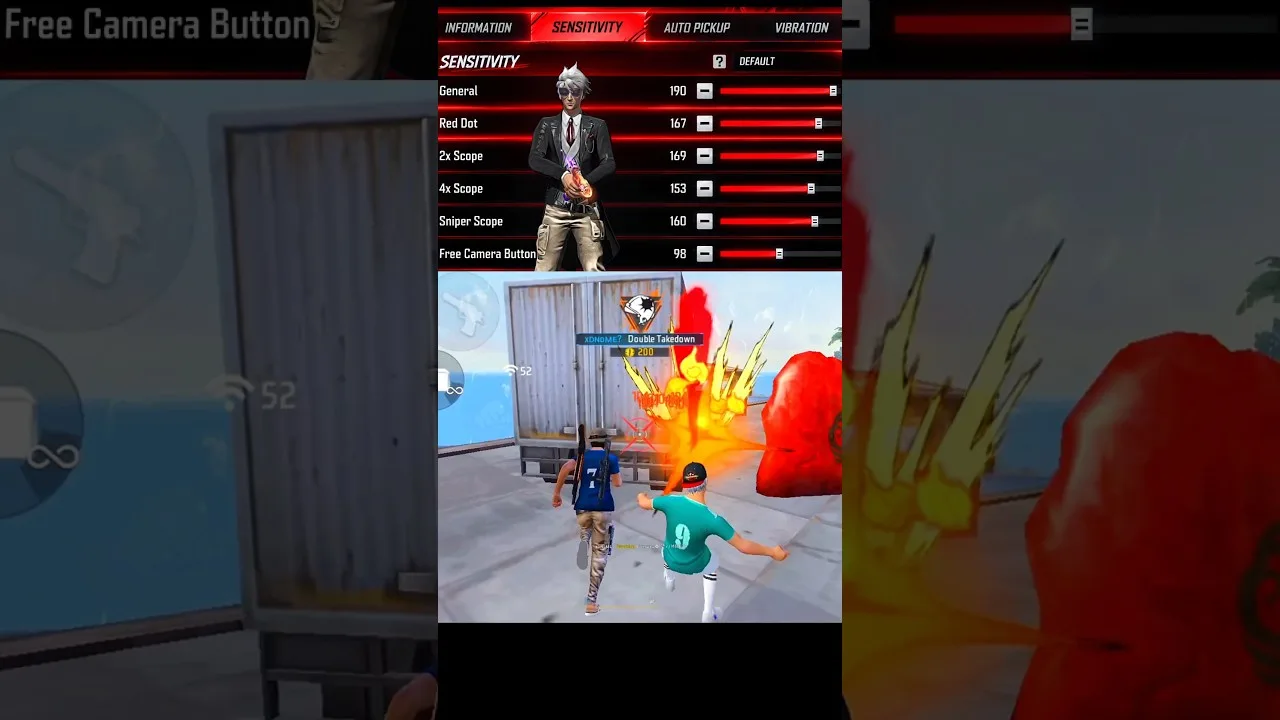
The reliable method is to change DPI alone, play for a session, then tune sensitivity only if needed. The Config FF sensitivity settings explained article breaks down each slider, which makes this pairing much easier to manage step by step.
Finding a Starting Figure for Your Phone
Start from your phone default DPI and move in modest steps rather than jumping to an extreme figure copied from a video. Large jumps change the whole feel of the device and make it hard to judge what actually improved. Small steps keep the experiment honest.
Screen size matters here. A compact phone and a large phone at the same DPI feel different because the physical swipe distance differs. The Config FF device compatibility guide helps you think about your exact hardware before borrowing numbers from a different device class.
Testing a New DPI Properly
Test each DPI figure in training first. Practise drag headshots, 180 degree turns, and tracking a moving target, and notice whether your aim stops where you intend. Then play a few normal matches, because practice targets do not move like real opponents.
Give each figure at least a full session before judging it. Your hands need time to adapt, and a setting that feels strange for ten minutes may feel natural after an hour. Only keep changing if the problem stays consistent, such as constant overshooting at every range.
Staying Comfortable With the Whole Phone
Remember that DPI changes the entire phone, not only the game. If text becomes tiring to read or buttons become awkward to tap, the figure is too extreme for daily use, whatever it does for your aim. Comfort across the whole device is part of a good setup.
Note your original DPI before changing anything, and keep that note with your sensitivity record. Returning to default should always be a one minute job. A careful record turns DPI from a risky experiment into a reversible, useful part of your routine.
Players also ask whether a higher DPI is simply better, because so many shared setups use raised figures. The honest answer is that DPI trades control for speed. More speed only helps if your thumb can still stop the crosshair where you intend. Past that point, extra DPI makes aim worse while feeling impressively fast in short clips, which is why careful personal testing matters more than any popular figure.
Reverting Safely When a Figure Feels Wrong
If a new DPI figure feels wrong after a fair test, return to your recorded default without hesitation. Reverting is not failure. It is the experiment completing properly, with a clear result about your phone and your hands. Many players find their best figure only after one deliberate step too far taught them where their personal ceiling sits.
After reverting, give your previous setup a short session before changing anything else. Your hands need a moment to settle back into familiar movement, and judging the old figure while still adapted to the new one produces unfair conclusions. Sequence matters: revert, settle, then decide whether a smaller step in the same direction is worth one more test.
Battery and comfort deserve a final word in any DPI discussion. Extreme display settings can make everyday tasks like reading messages and browsing noticeably less comfortable, and a phone that annoys you outside the game is a poor trade for a marginal aim difference inside it. The best DPI figure is the one you can live with all day, because a setup you keep is worth far more than a dramatic setup you revert within the week.
Final Thoughts
DPI controls how much aim movement each swipe produces, and it pairs directly with your Config FF sensitivity values. Start from default, move in small steps, test over full sessions, and keep a written record. That patience finds the figure that suits your phone and your hands.