Playing Free Fire well on a low end phone is mostly about balance. Config FF helps by organising the settings that matter, but the biggest gains come from pairing sensible in app values with honest graphics choices and a phone that is not fighting background clutter during your matches.
Low end hardware punishes extremes. Very high sensitivity on a small, slower screen feels chaotic, and heavy graphics choices cause frame drops exactly when fights get busy. The tips below aim at steadiness, because a steady game you can read beats a pretty game that stutters.
Open the Config FF mobile setup tool on this site while you work through these tips, and adjust your setup section by section. Change one thing, play a match, and keep only the changes that clearly help your phone.
Choose Graphics for Stability First
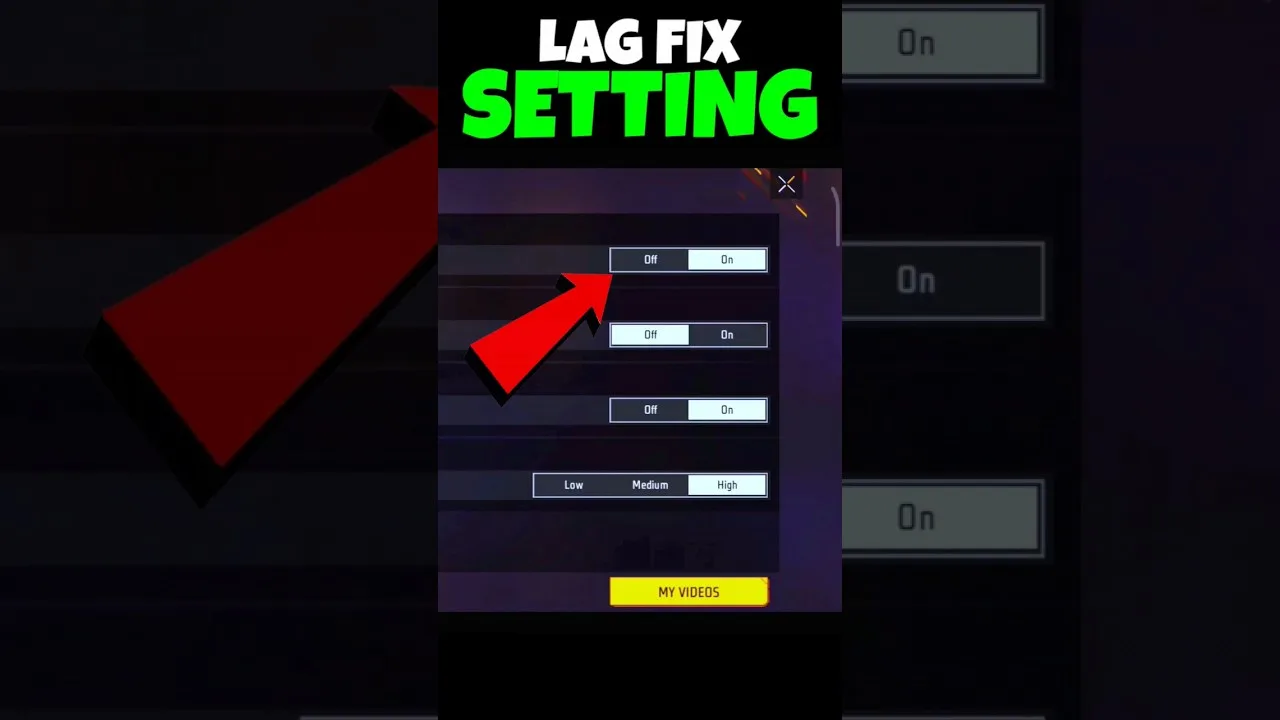
On a low end phone, smooth and standard graphics options usually outperform the highest settings where it counts. Stable frame delivery makes aim predictable, while frame drops during a fight make even perfect sensitivity values useless, because the screen is not showing your swipe result on time.
Shadows and high resolution packs are the first things to reconsider. They cost performance on every frame, in every fight. Most competitive players on modest hardware trade them away for smoothness without missing them once the match starts.
Keep Sensitivity Moderate and Predictable
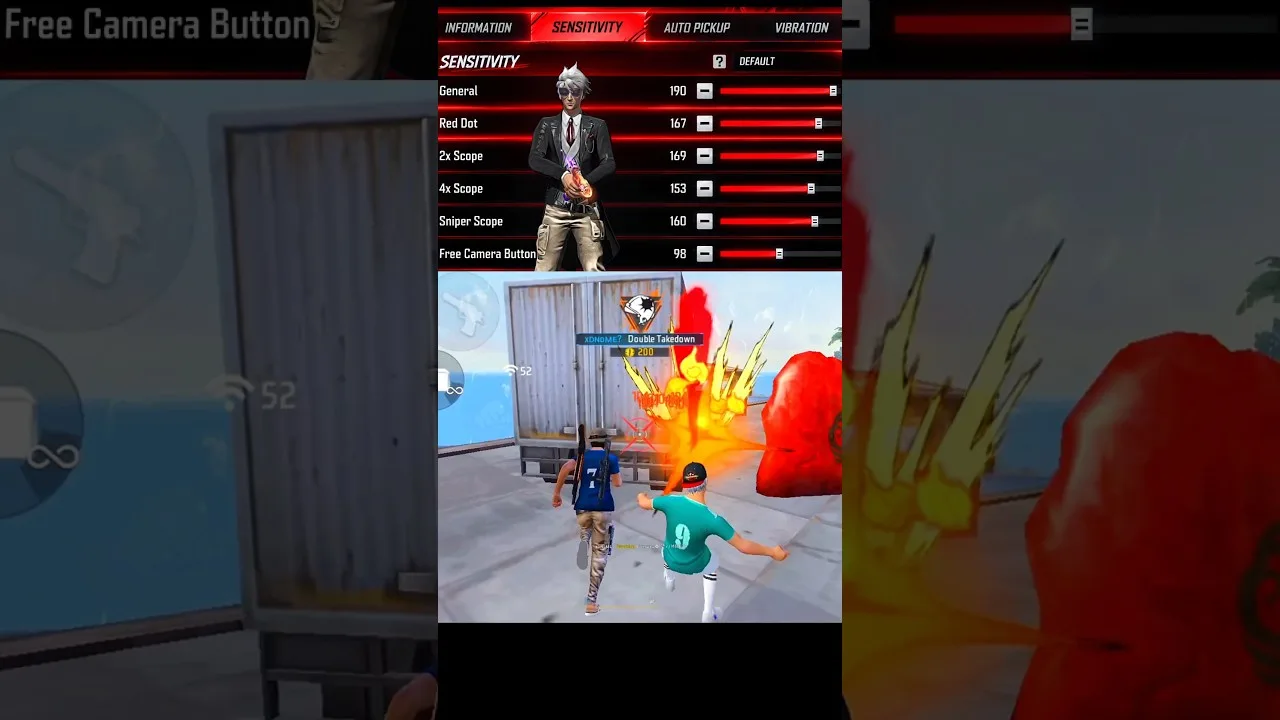
Budget screens often sample touch less precisely, so extreme sensitivity magnifies every small error. Moderate values with a slightly stronger general sensitivity usually feel calmer and land drags at a steadier height than a copied high speed setup from a flagship phone video.
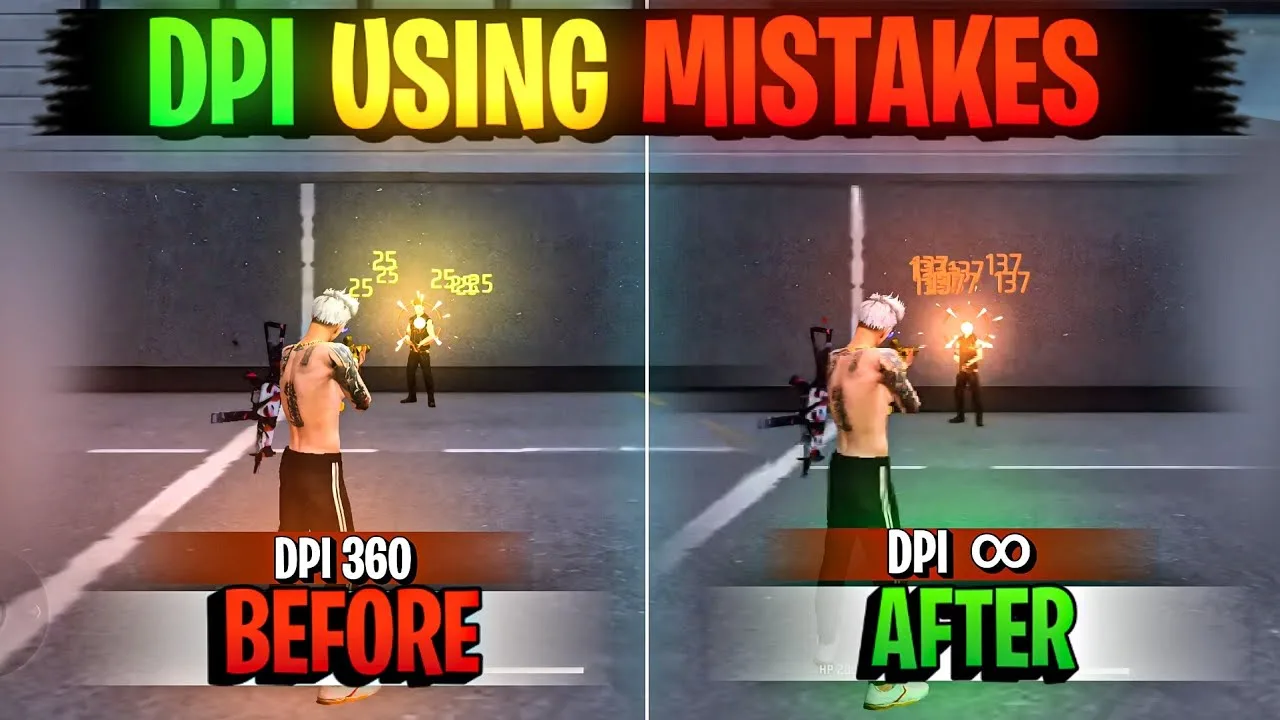
DPI deserves the same restraint. A modest figure keeps the whole phone usable and avoids pushing the display harder than it can comfortably go. The notes in the Config FF device compatibility guide will help you judge what your specific model can handle sensibly.
Free Space and Close Background Apps
Storage pressure slows Android down in ways players feel as lag. Keep a healthy margin of free space, clear cached clutter occasionally, and let the phone finish updates and downloads before you play rather than during your session.
Close heavy background apps before a serious session, especially browsers and video apps that hold memory. On a phone with limited RAM, that single habit often removes the mid match stutters that players wrongly blame on their settings.
Manage Heat During Long Sessions
Heat is the quiet performance killer on low end phones. As the device warms, the processor slows itself to stay safe, and frame delivery suffers in later matches. Short breaks between matches, removing a thick case while playing, and avoiding charging during play all slow that build up.
Brightness plays a part too. A screen at maximum brightness generates heat and drains battery quickly. A comfortable mid level brightness is easier on the phone and on your eyes during evening sessions, with no real cost to visibility.
Use DPI and Display Settings Lightly
Some players raise DPI hoping for flagship style aim speed, but on a low end phone the benefit is small and the cost in whole phone comfort is real. If you experiment, move in tiny steps and be ready to return to default, as the Config FF DPI settings guide explains in detail.
The same caution applies to animation scales and other system tweaks found in videos. A few help slightly, many do nothing measurable, and some make the phone harder to use daily. Test one change at a time and keep only what clearly earns its place.
Network quality deserves a mention alongside device performance, because the two are often confused. A weak connection produces delays and rubber banding that feel like device lag but survive every settings change you make. If stutters follow you across different times of day and match types, test on a stronger connection before rebuilding a setup that may be innocent.
A Short Pre Session Checklist
Before a serious session on a low end phone, run a one minute routine: close heavy background apps, confirm a healthy margin of free storage, let any downloads or updates finish, lower brightness to a comfortable level, and take the case off if your phone runs warm. None of these steps is dramatic alone, but together they remove most avoidable stutters.
Repeat the same checklist until it becomes automatic. Consistency here matters because it keeps your settings testing honest. When every session starts from the same clean device state, a setup that feels good today still feels good next week, and changes you make can be judged on their own merits instead of on background noise.
Above all, judge performance changes by match outcomes over several sessions, not by how the first minute feels. Low end phones vary with temperature, battery level, and background state, so a single session can flatter or condemn a change unfairly. A small log of how each session felt, kept beside your settings notes, quickly reveals which of these tips genuinely helps your particular phone and which ones you can safely skip. Steady, repeatable performance will always serve your aim better than occasional brilliance followed by stutters.
Final Thoughts
Low end phones reward balance: stable graphics, moderate sensitivity, free storage, a cool device, and light system tweaks. Config FF organises the values, but these habits make them work. Aim for a steady game your phone can sustain, and your settings will finally get a fair chance.