This roundup answers the questions new Config FF users ask most often: what the app does, what a config file really changes, how sensitivity and DPI fit together, how updates and backups work, and how to end up with a setup that suits your own phone and hands.
Each answer is short enough to read on its own, and together they form a quick orientation for the whole topic. If you are completely new, read from the top. If you arrived with one question, jump straight to it and then explore the linked guides for depth.
For readers who have not installed anything yet, the natural starting point is to install Config FF APK on Android through this site, then return here whenever a question comes up during your first setup sessions.
What Does Config FF Actually Do
Config FF organises Free Fire related settings values, mainly sensitivity, DPI guidance, and control ideas, into clear sections you can review and apply methodically. It works as a structured companion for your setup work, presenting groups of values so you can adjust one category at a time instead of hunting through scattered menus.
It does not change the game itself, your account, or other players. Everything it deals in is the same preference territory you could manage by hand, arranged more clearly. The Config FF features guide walks through each part of the app if you want the full tour.
Will a Shared Config Work on My Phone
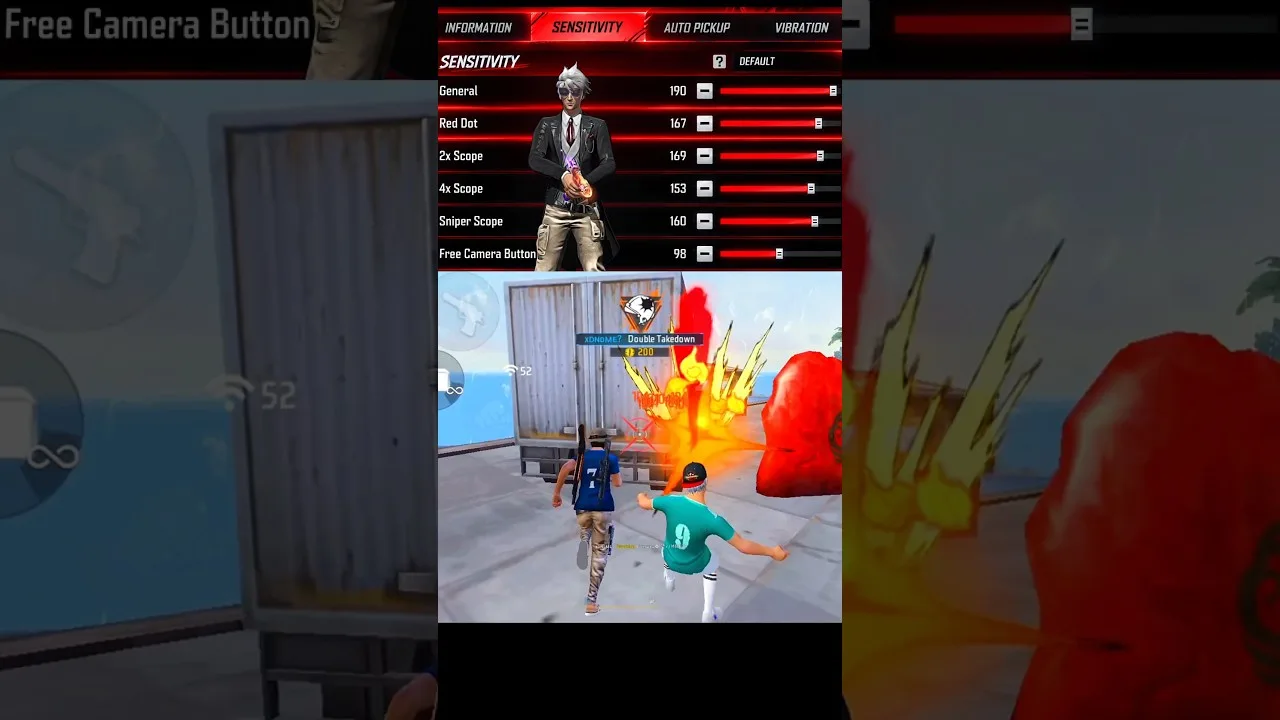
Partly. A shared config gives you tested starting values, but screen size, refresh rate, and touch response differ between phones, so the same numbers rarely feel identical on two devices. Expect to adjust at least the general sensitivity and one scope value after trying any borrowed setup.
That adjustment is normal, not a sign the config is bad. Treat shared values as a strong first draft, test them in training, and tune the specific numbers tied to whatever feels off. Within a session or two, the setup becomes genuinely yours.
How Often Should I Change My Settings
Less often than most players do. A setup needs several days of regular play before you can judge it fairly, because your hands are part of the equation and they adapt gradually. Constant rebuilding resets that adaptation and makes every setup feel disappointing.
Change settings when something concrete changes: a new phone, a different screen size, an update that alters feel, or a persistent problem you can name, such as always overshooting at one range. The Config FF main sections guide helps you locate the right section when such a moment arrives.
What Is the Difference Between DPI and Sensitivity
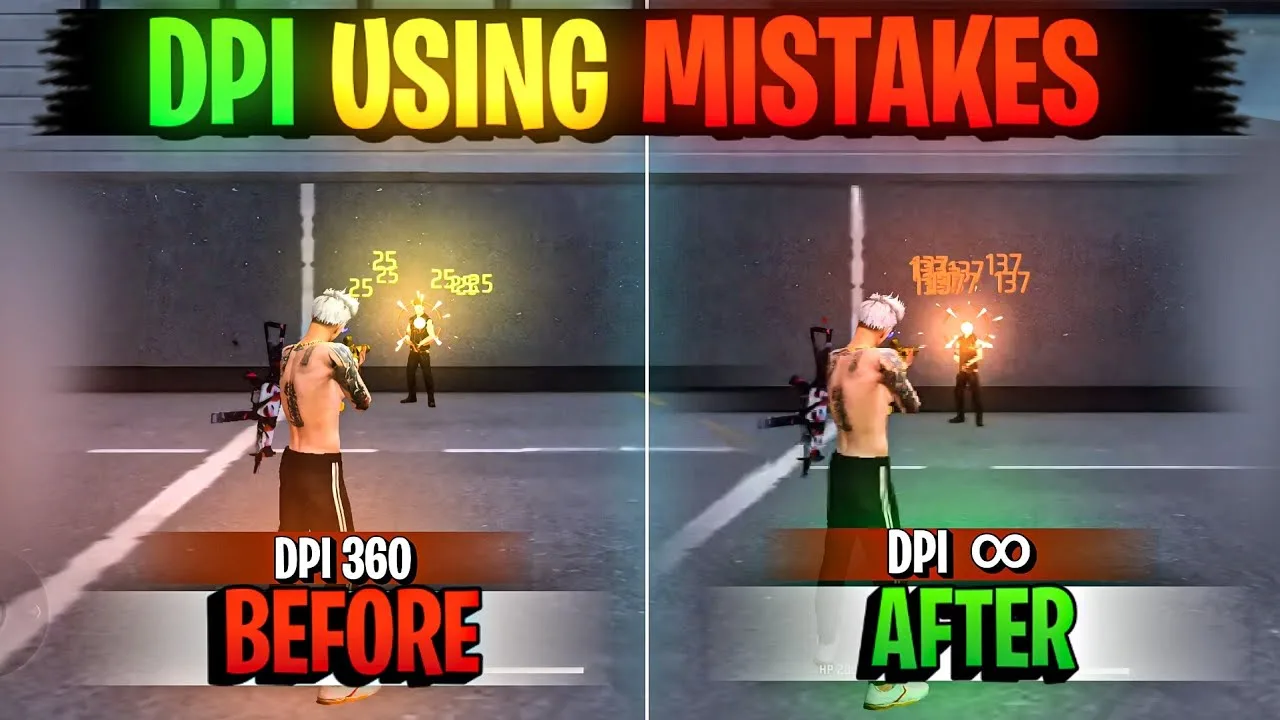
Sensitivity lives inside the game settings and controls how much your view moves per swipe at each aim mode. DPI is a device level figure that changes how much movement your screen registers from the same physical swipe across the whole phone. Together they multiply into the total aim speed you actually feel.
Because they multiply, change only one at a time while testing. Raise DPI and your existing sensitivity will feel faster without a single slider moving. Keep notes of both numbers together, since your setup is really the pair of them combined.
How Do I Keep My Setup Safe
Screenshot every settings screen, note your DPI figure, and store the set somewhere away from the phone itself. That simple record is your backup, and it lets you restore your exact setup after updates, experiments, or a device change in a few minutes of calm data entry.
Refresh the backup whenever a change settles in and survives a week of play. An old backup restores an old feel, which is occasionally what you want, but your main record should always describe the setup you currently trust.
Two more questions arrive often enough to earn a place here. Players ask whether settings should change between game modes, and the practical answer is that one well tested setup usually serves every mode, with at most a small scope preference differing. They also ask whether an old phone can still produce a good setup, and it can, provided sensitivity stays moderate and graphics choices respect the hardware.
Where to Go Next With Each Topic
Every answer above has a deeper guide behind it on this blog, and the fastest way to improve is to pick the one question that matches your current problem and read only that guide next. Working through a single topic properly, with your phone in hand and testing as you go, beats skimming everything and changing nothing with confidence.
If several questions apply at once, order them by dependency: installation and app health first, then backup habits, then sensitivity and DPI, then advanced topics like headshot tuning and per size scaling. That sequence mirrors how a good setup is actually built, and each step makes the next one easier to get right the first time.
If your question did not appear here, it is probably a version of one that did: something about fit, pairing, patience, or records. Most setup confusion resolves once you ask which of those four ideas the problem belongs to. Fit questions need device aware testing, pairing questions need one change at a time, patience questions need more sessions, and record questions need a backup made before the next experiment begins.
Final Thoughts
Most Config FF questions come down to a few steady ideas: the app organises ordinary settings, shared configs are starting points, DPI and sensitivity work as a pair, patience beats constant rebuilding, and a simple backup protects everything. Keep those in mind and the rest of the topic stays manageable.